Project Case Study

PhotoGallery

A website for me to share my hobby of photography.

Project Overview

PhotoGallery

🌟 Overview

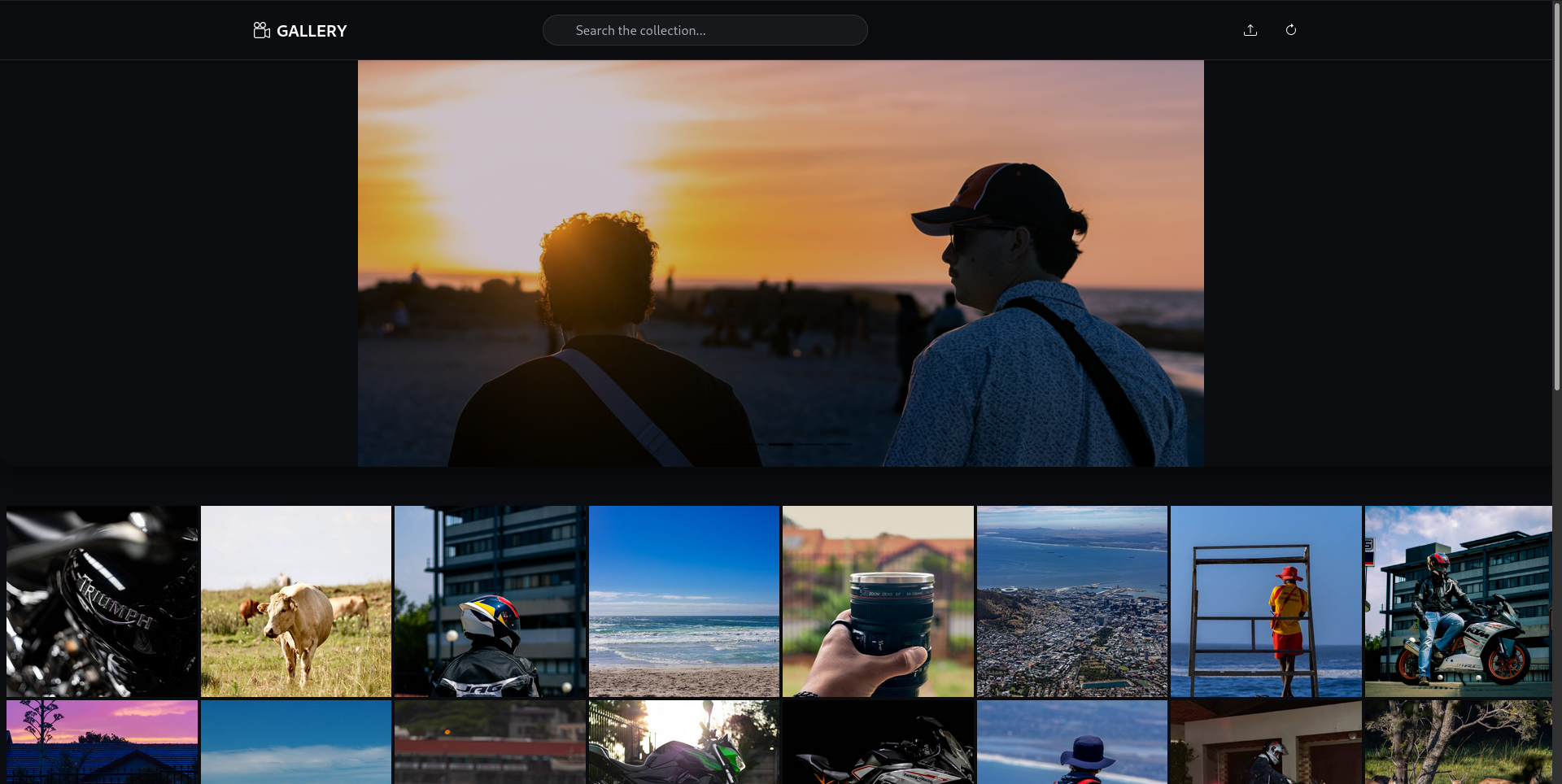
PhotoGallery is a responsive and dynamic web application built with Spring Boot and Thymeleaf. It features a modern masonry-style layout for organizing images of varying sizes, optimized for performance and usability across desktop and mobile devices.

Key Features

  • Lazy Loading: Images load asynchronously as you scroll, ensuring fast initial page loads.
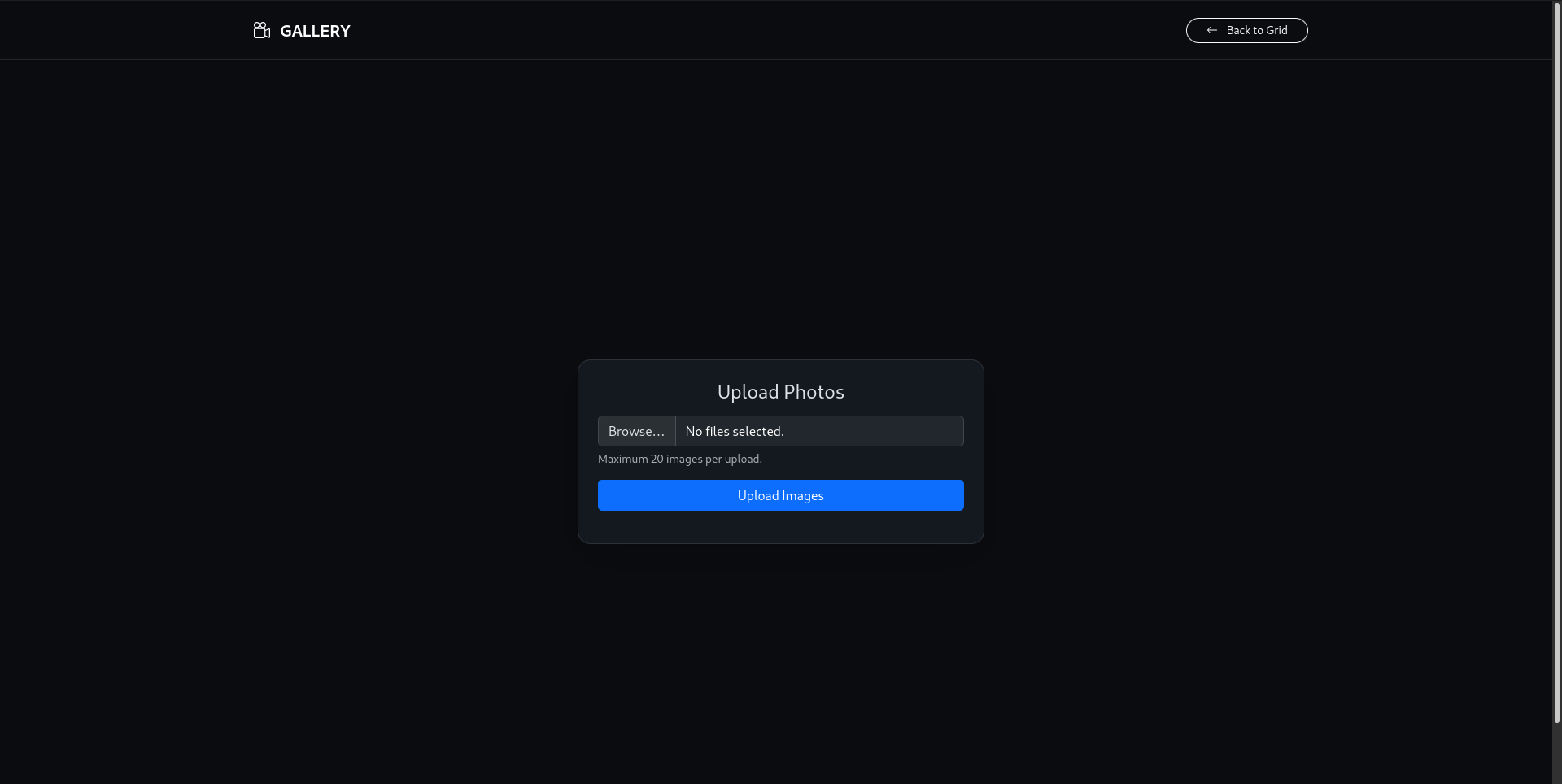
  • Smart Ingestion: Scans local directories to automatically compress images, generate thumbnails, and extract metadata (EXIF).
  • Fullscreen Viewer: Immersive modal viewer with navigation controls.
  • Search: Search photos by title or tags.
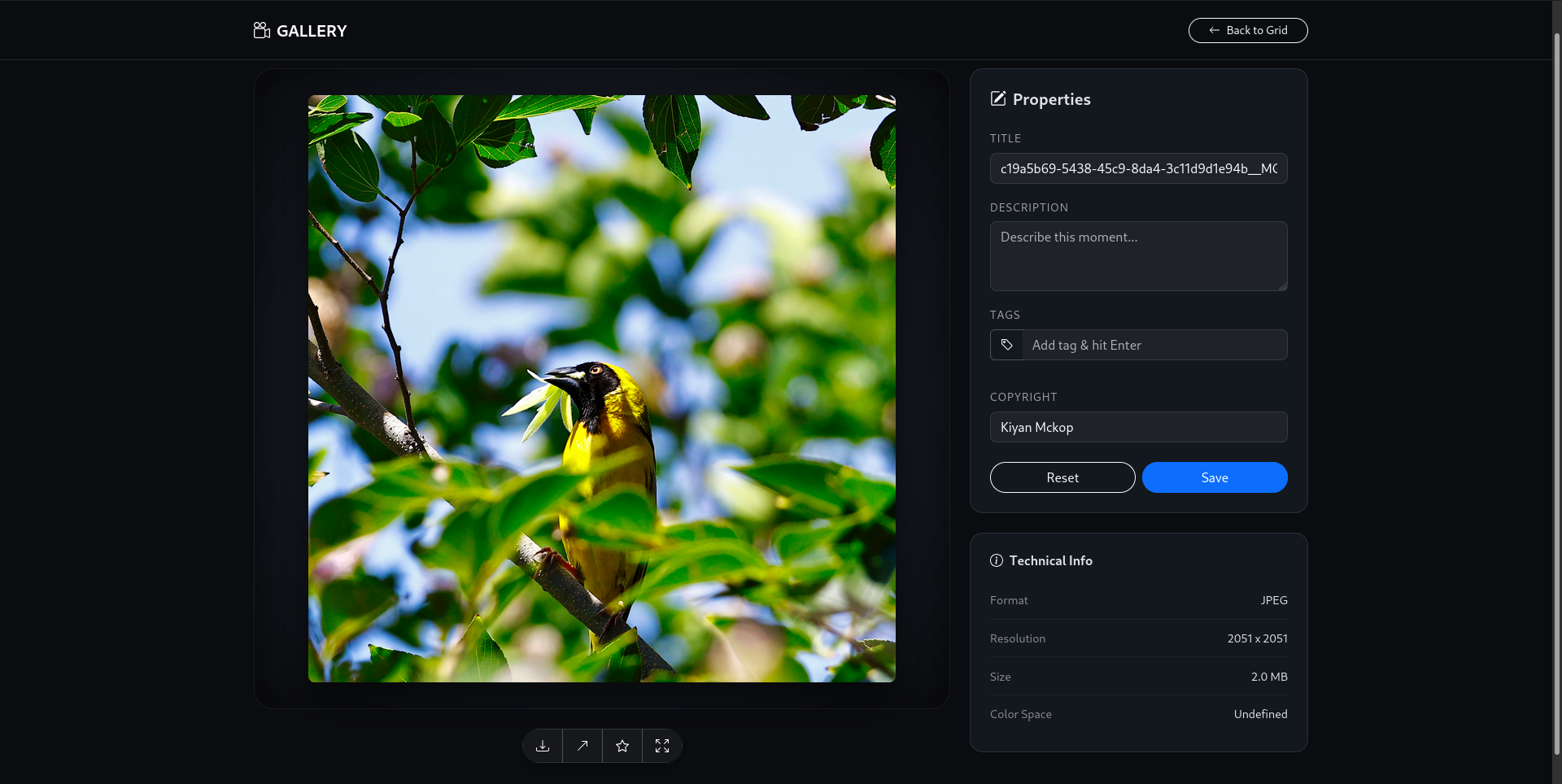
  • Metadata Extraction: Automatically extracts and displays camera details, resolution, and file size.
  • Responsive Design: Built with Bootstrap 5 for a seamless mobile experience.
  • Dynamic Image Loading: Supports adding new images dynamically from the backend without changing frontend code.
  • Hover Effects: Smooth zoom and shadow effects for a modern look.

Focusing on simplicity, usability, and a clean user experience.

Technology Stack

🛠️ Tech Stack

Backend

  • Language: Java 25
  • Framework: Spring Boot (Web, Data JPA)
  • Template Engine: Thymeleaf
  • JSON Processing: JSON.simple
  • Concurrency: Spring Async (@Async)

Frontend & Interactivity

  • Thymeleaf: Server-side Java template engine for seamless HTML rendering.
  • HTMX: Powering fast, AJAX-like interactivity without the complexity of heavy JavaScript frameworks.
  • Scripting: JavaScript (Vanilla)

Data & Storage

  • Database: H2 (Dev) / MySQL (Prod)
  • ORM: Hibernate (via Spring Data JPA)
  • File System: java.nio for local file management

Build & DevOps

  • Build Tool: Maven

Technical Documentation

📖 Documentation

Project Structure

The project follows a standard Spring Boot application structure:

  • src/main/java/com/example/PhotoGallery: Root package.
    • Controllers: Contains Spring MVC controllers for handling web requests.
    • Services: Houses business logic, such as fetching project data from Gitea and sending emails.
    • DTO: Data Transfer Objects used to shape data for the views.
    • Component: Contains general-purpose components, like the Markdown service.
  • src/main/resources:
    • static: For static assets like CSS, JavaScript, and images.
    • templates: Contains Thymeleaf HTML templates.
    • application.properties: For application configuration.

The Roadmap

🚀 Future Plans

I am constantly looking to evolve the PhotoGallery. Here is what is currently on my development roadmap:

Performance

  • Caching: Implement Spring Cache for getPagedPhotos and getRandomPhotos to reduce database load.
  • Batch Processing: The current scanning process saves photos one by one. Implementing saveAll() with batching would significantly speed up large library imports.

AI Integration

  • Auto-Tagging: Re-enable and implement the taggingService (currently commented out in PhotoService) to automatically generate tags using a local ML model or cloud API.
  • Face Recognition: Group photos by detected faces.

User Experience

  • Dark Mode: Toggle between light and dark themes.
  • Multi-Select: Allow selecting multiple photos for batch tagging or deleting.
  • EXIF Editing: Allow users to manually update incorrect EXIF data via the UI.

Video Demonstration

Walkthrough Video Coming Soon